

Distance assistance throughout Spain
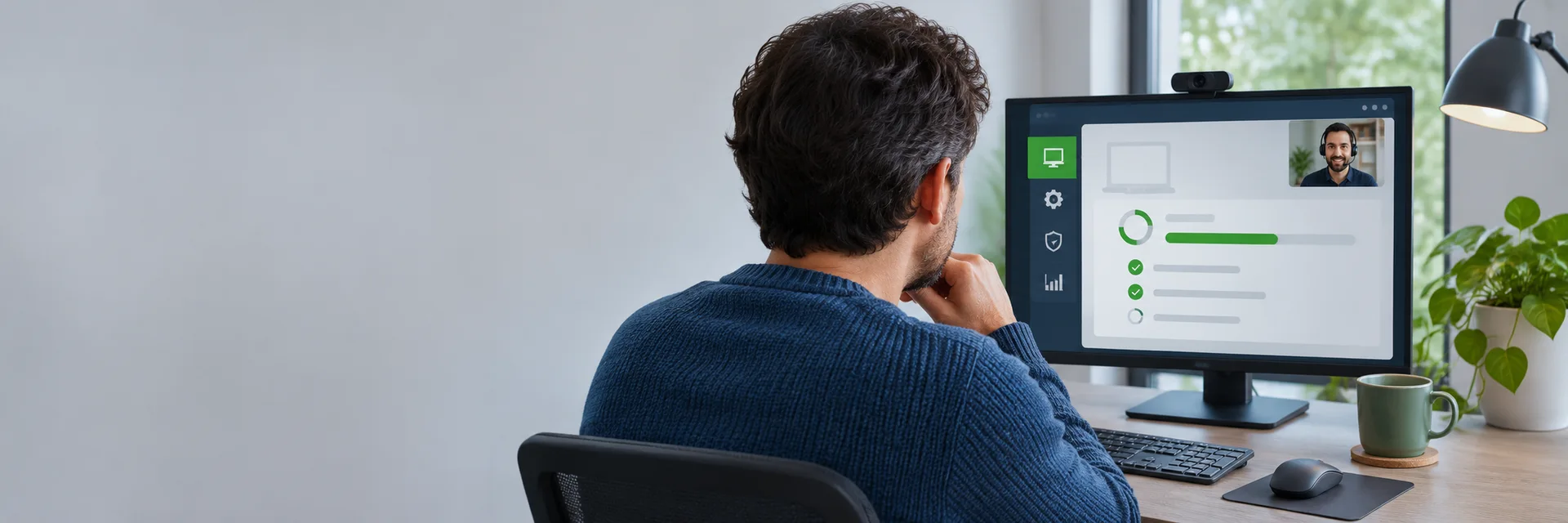
IT help without leaving your desk
If your computer has internet connection, we can check with you many Windows bugs, mail or programs from where you are.
How remote assistance works
- 1
Tell us what's going on.
We check if we can help you remotely and agree on the scope and price.
- 2
Authorize the connection
We guide you to start a temporary session. You can see what we do and close the connection whenever you want.
- 3
We checked the problem with you.
We explain to you what we have found and what steps should be taken afterwards.
When you want the remote support
Avoid travel costs and you can follow the review from home or from your office.
We can review Windows errors, Outlook or Microsoft 365 errors and program or printer configuration problems.
If the team doesn't turn on, it doesn't have the internet or needs a physical repair, we will guide you on the next step. We can evaluate a visit in our area of presence.